How It Works
One Open House link.
Always up to date.
How it works
Create an account
Sign up with your name, a username, and a password. Your personal page is created instantly at realtorredirect.com/u/username and a QR Code is generated for you.
Set your redirect link
On your account dashboard just type or copy/paste in the link to the house you are doing your next open house at.
Share your link
Use the QR Code on social media and on location at your open house to share information about the home. Visitors are redirected automatically — no extra steps for them, and you saved on extra work!
Update whenever you need to
Log back in any time and change where your QR Code points for your next open house. No need to update the QR Code itself!
One permanent link
You get a personal link at a fixed address — realtorredirect.com/u/username — that never changes. Share it once and it works forever.
QR code included
Download a high-quality QR code to print it on a business card, flyer, or anywhere else — it always points to whatever URL you've set. We will also send you a 3D printed QR Code and stand at no cost, or a laser-cut logo for $10.
Update the destination any time
Every Open House is a different location- stop wasting paper every time you show an open house and use a 3D printed, laser cut, or simply printed QR Code
Full URL history
Links to previous open houses are saved and can be reverted at any time.
Built for the real world
Your QR code isn't just digital — take it anywhere. We include a free 3D-printed QR stand with every account, or upgrade to a premium laser-cut oak stand for $10.
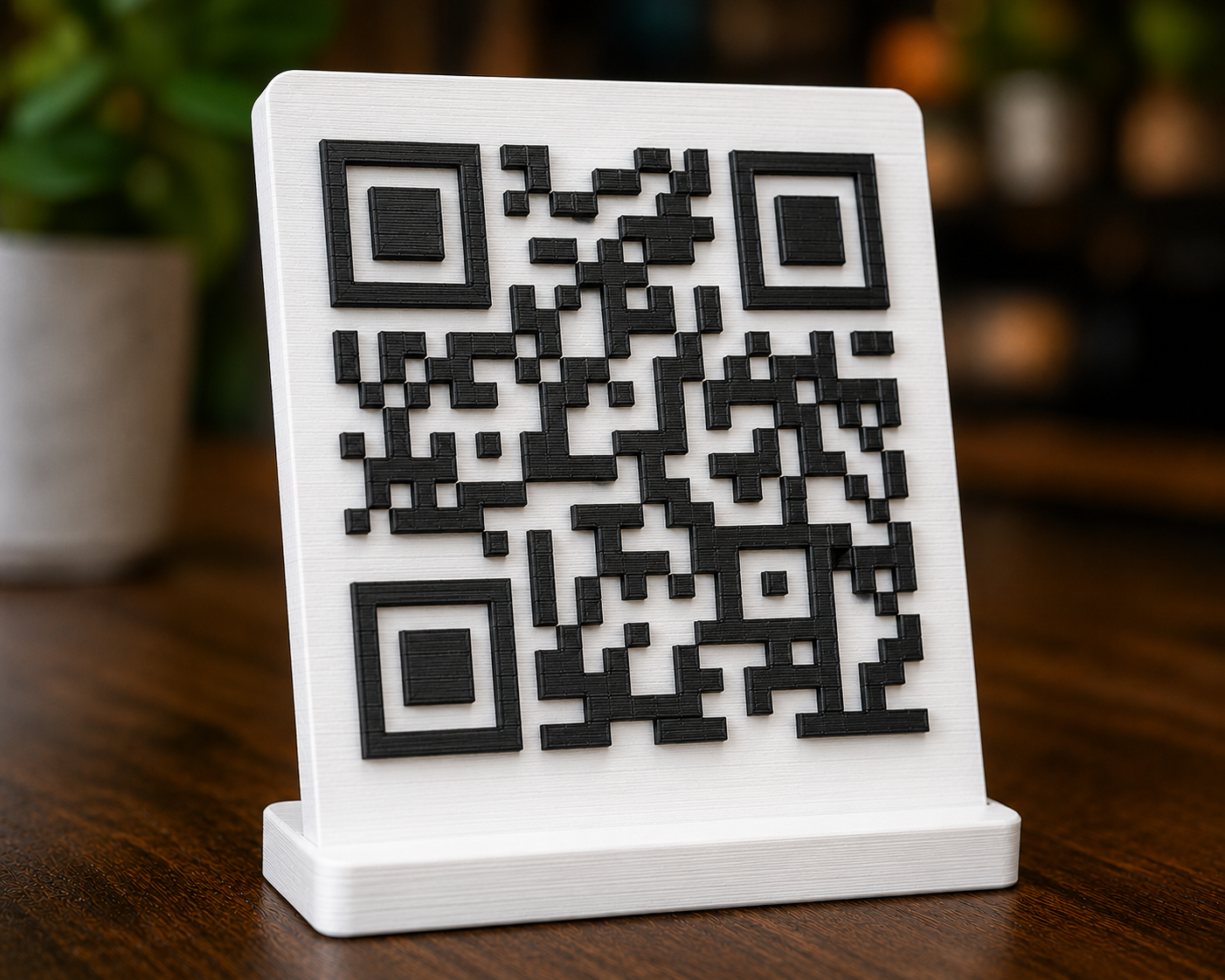
3D-printed stand
Included free with your account. Set it on the counter at any open house.
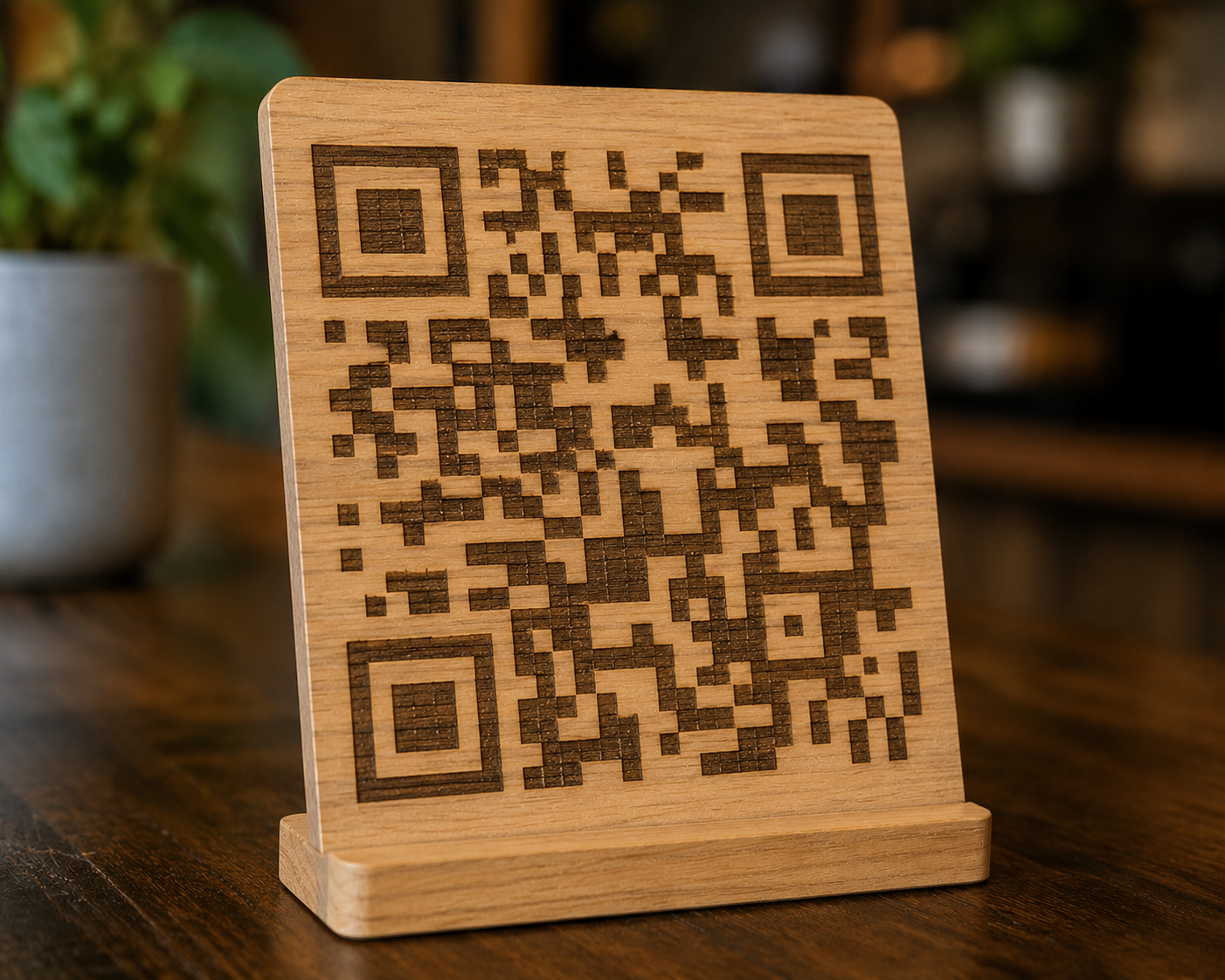
Laser-cut oak stand
A premium upgrade for $10. Looks great on any surface.